DP Prompt for Instagram Aesthetic: 4 AI Profile Styles

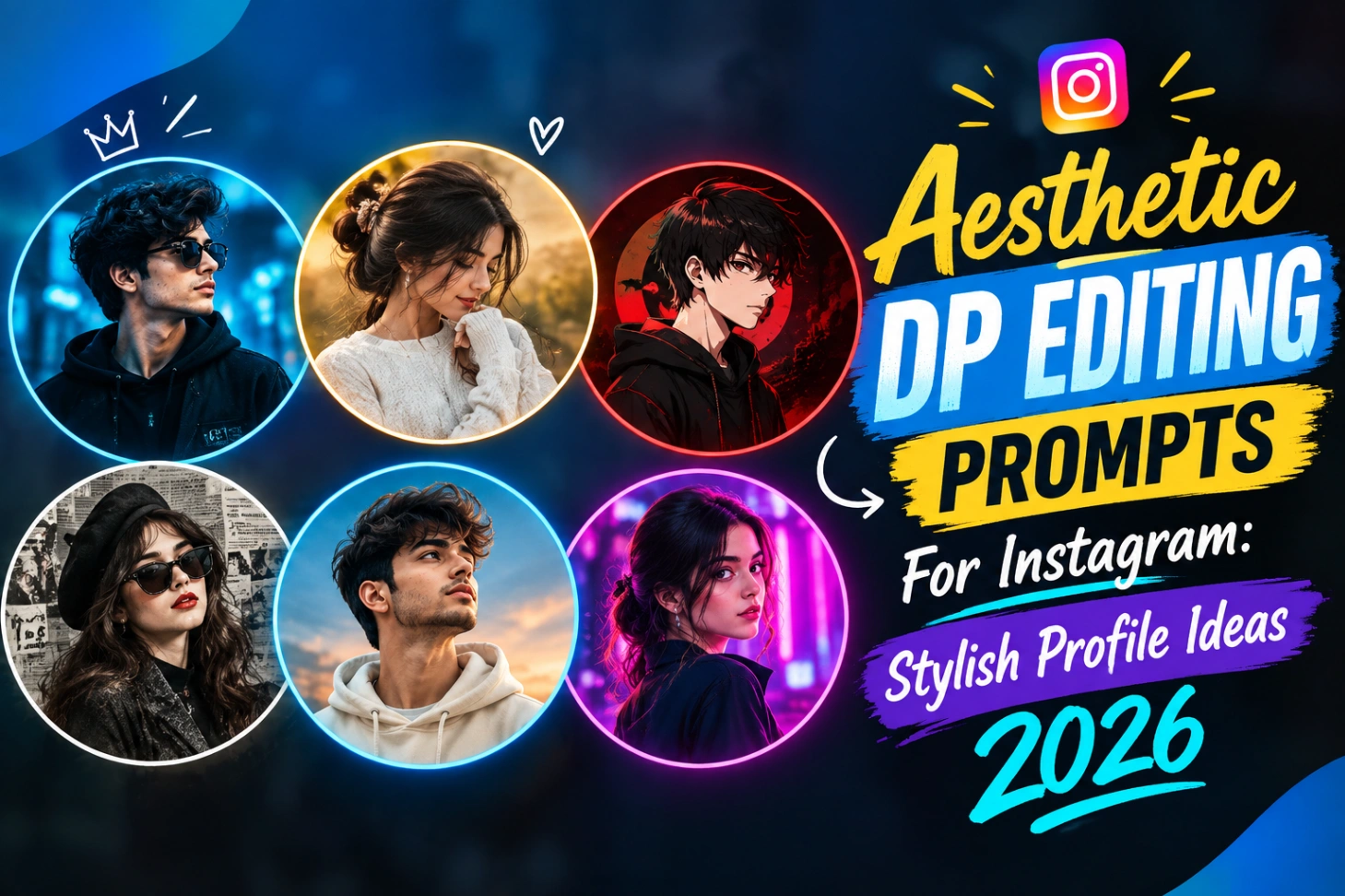
Your profile picture is the first thing anyone notices on your account, even before your posts. A plain selfie rarely does justice to your style, which is why so many creators now build their DP with AI. With the right dp prompt for instagram aesthetic, one normal photo of yours can become a neon king style DP, a soft monochrome portrait or a full cyberpunk profile look, and your face stays yours throughout. Below are four ready-to-copy prompts, the exact steps to use them in ChatGPT and Gemini, and the small tricks that keep the result looking real.

Four Aesthetic DP Styles, Ready to Copy
Each style below comes with its preview image and the full ai dp prompt for instagram in the copy box. Pick the one closest to your personality, replace the name inside the prompt with your own name, and generate.
Electric Blue Neon DP With Name Text

Black and White DP With Glowing Circle Frame

Pink and Purple Cyberpunk DP

Comic Style Selfie DP With Blue Frame

Once your favourite style is ready, open the tool below and create your image. The same button the regulars of this site use is right here:
How to Turn Your Photo Into an Aesthetic DP
- Open ChatGPT or Google Gemini and start a new chat.
- Upload a clear photo of yourself where your face is fully visible and well lit.
- Copy one prompt from above, change the name text to your own name, and paste it with the photo.
- Send it and wait for the DP to generate.
- Check the face closely. If something drifted, reply with a short correction instead of starting again.
- Download the final image in full size and set it as your Instagram DP.
ChatGPT or Gemini: Which One Should You Use?
Both tools can create these DPs, and most people end up using whichever they already have. ChatGPT follows long, detailed prompts well and handles the name text inside a design quite reliably. Gemini is popular for photo-based edits because it holds the face from the uploaded photo very consistently. The free versions of both keep changing what they allow, so if one tool refuses or limits image generation on your account, simply try the same prompt in the other. The prompts above are written in plain language, so they work in both without any change.
Most of these prompts are written for a 1:1 square crop with a circular frame, which is exactly how Instagram displays your profile picture. That is why the instagram aesthetic dp prompt style always keeps the face in the centre with equal margins around it. For more portrait based ideas, our Gemini photo edit code copy collection works on the same upload and generate flow.
Why Everyone Is Replacing Normal Selfies With AI DPs
- A designed DP makes the whole profile look polished and intentional.
- Your account becomes recognisable in comments and story replies at a glance.
- One photo can produce many styles, so the DP can change with your mood or a festival.
- A matching DP and feed style builds a personal brand, even for small accounts.
- It costs nothing but a few minutes, and no editing skill is needed.
Dark, luxury, retro, neon and minimal looks are the most used right now. If you prefer movement in your edits instead of a static portrait, the background motion blur AI prompts add a speed effect to regular photos, and the cinematic red studio light prompts are perfect when you want a dramatic studio feel.
Small Habits That Keep the DP Looking Real
The biggest mistake people make is overloading the prompt. One clear style per DP always beats five effects fighting each other. Start with a sharp reference photo, keep the identity lock line that most of these prompts already carry, and ask for natural skin texture so the face does not turn plastic.
Lighting matters more than effects. A photo clicked in soft daylight gives the AI clean information to work with, while a dark, blurry photo produces a dark, blurry DP no matter how good the prompt is. Keep the background clean in the result too, because at small DP size, a busy background hides your face. Selfie lovers can also try our mirror selfie AI photo editing prompts for clean, stylish mirror portraits, and if you build your prompts inside ChatGPT often, the ChatGPT photo editing prompts list has more ready styles.
Aesthetic DP Questions, Answered
Which photo of mine should I upload for the best result?
Choose a sharp, front-facing photo in good light, with no sunglasses or cap covering your face. The clearer the face in the original, the more accurately the AI can keep your identity in the DP.
Can I change the name written inside these DP prompts?
Yes, and you should. The prompts carry sample names and placeholder text. Replace them with your own name or username before generating, keeping the rest of the prompt exactly the same.
Why did the AI change my face slightly?
This happens when the reference photo is blurry or the prompt asks for too many changes at once. Upload a clearer photo, keep the identity lock line in the prompt, and ask for small corrections in a follow-up message instead of regenerating from zero.
What size should my final DP be for Instagram?
Instagram shows profile pictures in a circle, and a square 1:1 image of at least 1080 x 1080 pixels stays sharp on all phones. All four prompts above are written for that ratio.