Dhurandhar Akshaye Khanna AI Photo Editing Prompts 2026

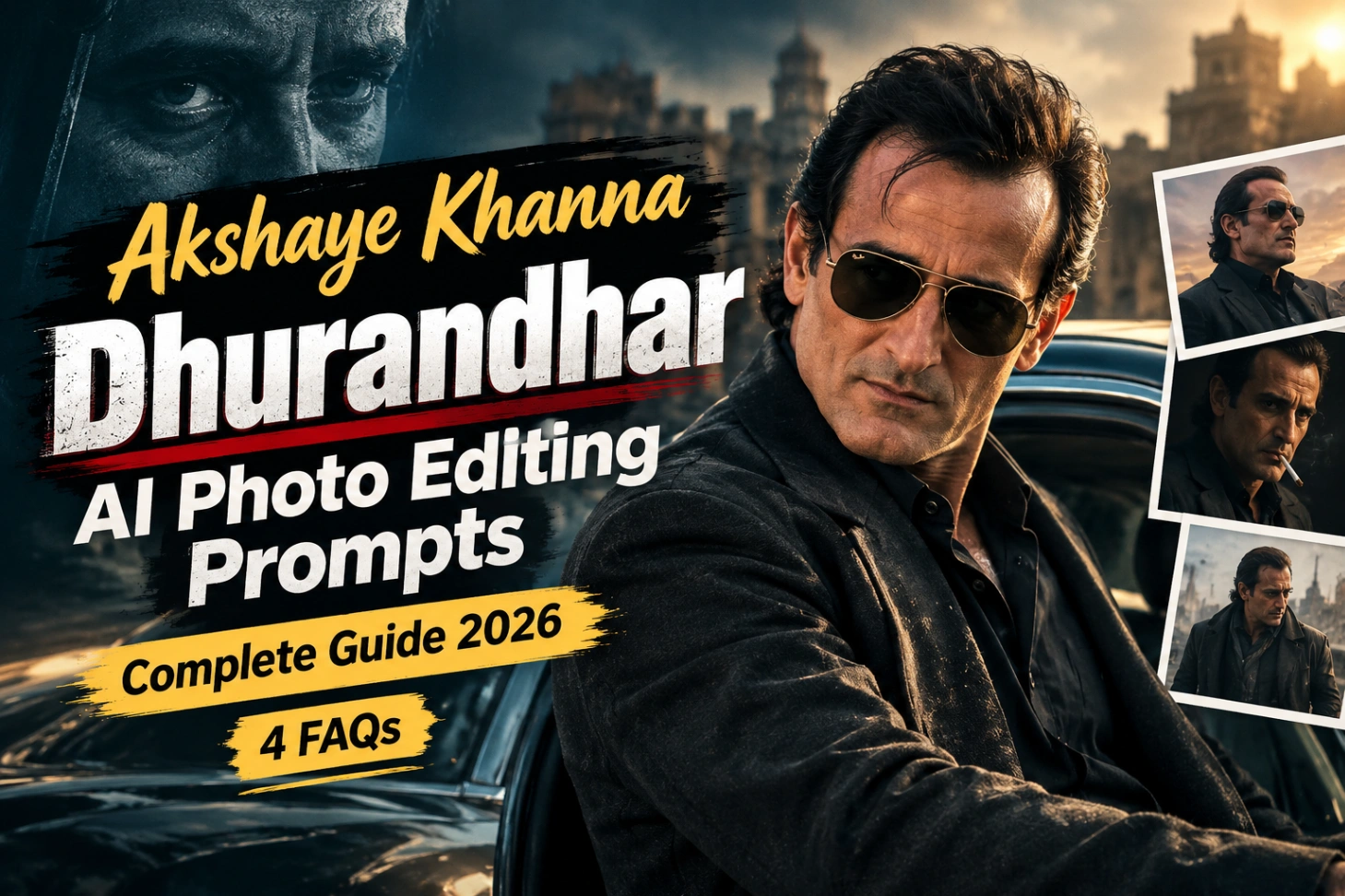
One film entry scene did what big promotions could not. Akshaye Khanna walking through a dusty desert camp in Dhurandhar, black kurta, dark sunglasses, calm face, full control. That Rehman Dakait look is now one of the most copied styles in AI editing, and these akshaye khanna dhurandhar ai photo editing prompts place the same style on your own photo.
The outfit, the light and the attitude change. Your face does not. Every dhurandhar ai photo prompt below carries face matching lines, so the result still looks like you, only shot like a film hero.

Five Dhurandhar Looks in This Pack
Start with the first one if you want the classic entry look. The selfie and group options are there for fun posts with friends. Character style packs like this one work on the same face lock idea as our spider man ai photo editing prompts, only the mood here is serious and grounded.
1. Black Blazer Entry Look With Gold Rimmed Aviators
The signature frame. Black suit jacket over a black shalwar kameez, slicked back hair and that slight confident smirk.

2. Behind the Scenes Group Photo From the Film Set
A candid style group shot that looks like it was clicked between takes on the Dhurandhar set, with you standing in the middle of the cast.

3. Full Body Desert Walk in the FA9LA Mood
The famous walk, recreated full body. Black kurta and coat, muffler around the neck, dancers in traditional dress on both sides and guards far behind.

4. Selfie Standing Next to Akshaye Khanna
A realistic selfie shot with the actor beside you on a desert set, crew and vehicles in the background. The most shared format of this trend.

5. The Confident Walk Towards the Camera
A pure cinematic walk frame. Your face and hairstyle stay matched to your photo while the black outfit and dusty street do the rest.

Anatomy of the Rehman Dakait Look
Four things build this character, and a good akshaye khanna photo editing prompt names all four. First, the clothes: black kurta with a black blazer or long coat and a plain black stole. Second, the glasses: narrow frames, gold rimmed aviators or slim black rectangles.
Third, the expression: calm, not angry. A relaxed jaw and direct gaze carry more authority than any scowl. Fourth, the colours stay muted: dust, clay brown, charcoal and warm sunlight. Bright colours break the mood instantly. Prompts written in this copy ready format are also collected in our gemini photo edit code copy post.
Running a Prompt in Gemini, Step by Step
- Open the Gemini app or gemini.google.com and sign in.
- Upload your clearest photo first, front facing or slightly turned, face uncovered.
- Copy any prompt from this page and paste it in the same chat.
- Choose the image creation option and run it. Wait for the render to finish.
- Generate two or three versions, save the one where the face match is strongest, and share.
The same paste and run method works for the full gemini ai prompt copy paste library on this site.
Pick Your Source Photo Like a Casting Director
The tool can only protect details it can see. A sharp photo with clear eyes, jawline and natural skin texture gives a near perfect match. Blurry or dark photos are the main reason faces drift.
For full body prompts, keep your arms, legs and shoes inside the frame. Hidden hands and cropped feet force the tool to guess, and guessed hands are where most errors appear. Match the ratio to the final use: 1:1 for a profile DP with the face near the centre, 4:5 for portrait posts, and 9:16 for stories and mobile wallpapers. If you like dark, powerful portrait moods in general, our mahadev ai photo editing prompts build a similar intense atmosphere in a devotional style.
Common Problems and Their Quick Fixes
Four problems cover almost every failed Dhurandhar edit, and each one has a simple fix.
| Problem | Description | Solution |
|---|---|---|
| Face Change | AI focuses more on film reference than original photo | Use clear face-preservation instructions |
| Distorted Hands | Hands appear unnatural in full-body or sitting poses | Keep hands visible and relaxed; use pocket pose if needed |
| Sunglasses Issue | Glasses look uneven or misplaced | Align frame with face angle and match light reflections |
| Unrealistic Skin | Skin looks overly smooth or plastic | Maintain natural texture, soft highlights, and balanced shadows |
Run through this checklist once before saving any final image, and most results need only one extra generation. For more polished, background heavy edits in the same copy paste style, readers usually move next to the razz suman hypic photo editing prompts.
Dhurandhar Look: Questions From the Comments
The tool changed my face completely. How do I lock it properly?
Put the face line at the start of the prompt, not the end: “keep my face 100% same as the uploaded photo, same jawline, same skin tone, same hairstyle”. A sharper source photo fixes most of the rest.
Can I get this look if my original photo has colourful clothes?
Yes. The prompts describe the full black outfit themselves, so the tool replaces your clothing. Just make sure your body outline is clearly visible so the new outfit sits at the right size.
Gemini refused the celebrity name in my prompt. What should I write?
Remove the name and describe the style instead: “a serious film character in a black kurta, black coat and vintage sunglasses, walking through a desert camp”. The output stays almost identical, because the look is built from clothing, light and expression.
Which ratio is best for a WhatsApp DP in this look?
Use 1:1 and keep your face and shoulders near the centre. WhatsApp crops DPs into a circle, so sunglasses or hair touching the frame corners will get cut.